Make Your Blog Pop with Images Generated in a Snap
Visual content is crucial in creating an engaging and memorable blog. But as a blogger, creating stunning visuals can be a time-consuming and challenging task. That's where AISEO Blog Images Generator comes in - making it easier than ever to create high-quality visuals for your blog in a snap. Did you know that 74% of social media marketers use visual assets in their social media marketing? With AISEO Blog Images Generator, you can create visuals for your blog in a matter of seconds. Simply input your blog URL or content; our tool will generate all the images you need in a snap.
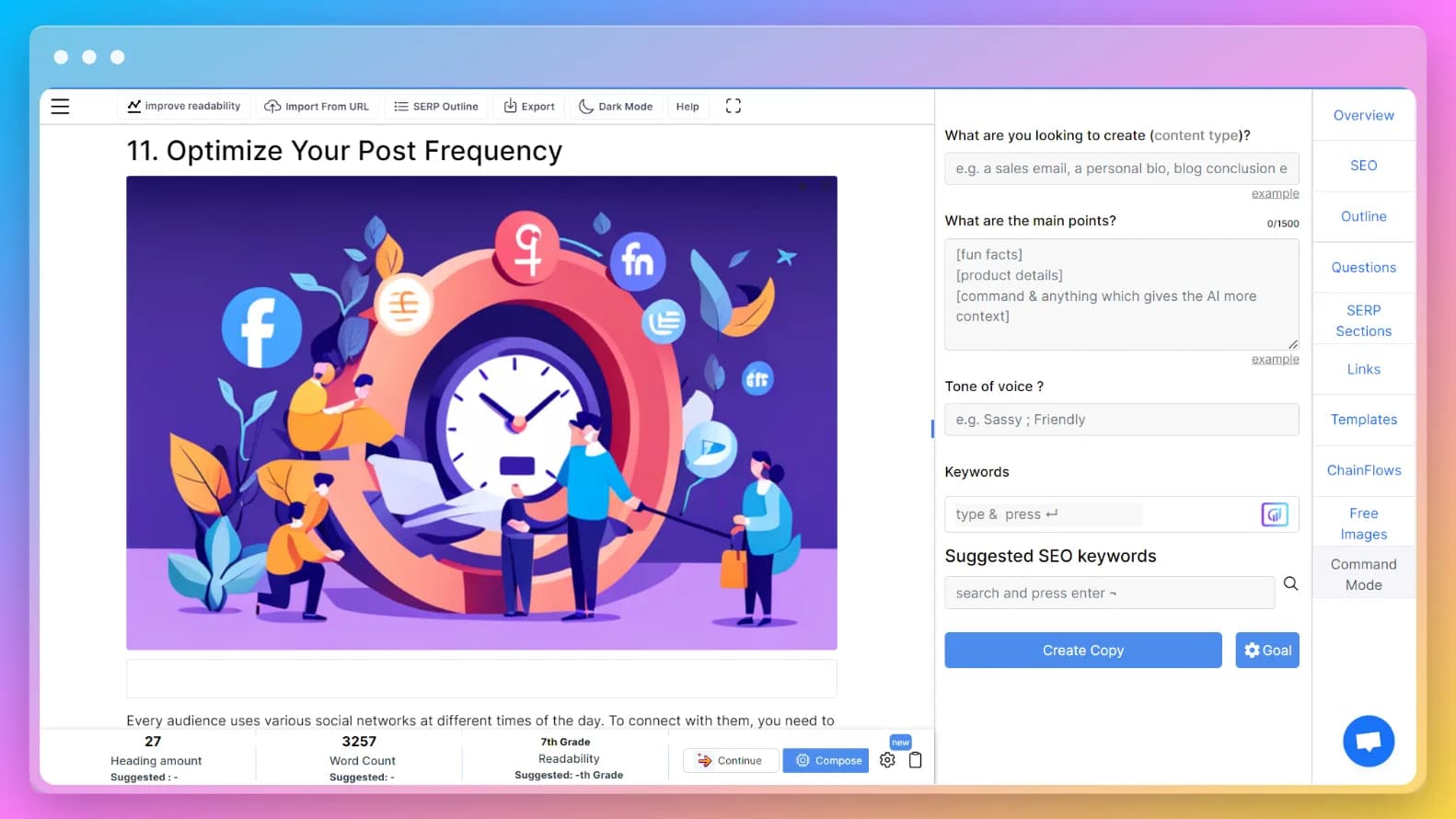
Frequently asked questions
Creating visually appealing, engaging, and high resolution images for your blog posts is essential to capture your readers' attention. Here's how to use our tool: • Step 1: Visit the 'AISEO Blog Images Generator' page • Step 2: Choose your input method as 'Blog URL' or 'Blog Text' • Step 3: Paste your blog URL/text in the given box • Step 4: Click on 'Extract Data' • Step 5: Let the data get extracted (takes just a few seconds) • Step 6: Scroll down and click on 'Generate Blog Images' • Step 7: You'll be redirected to the blog editor with generated images for each blog subheading
Images are a vital component of a blog that can capture attention, convey information, and make content more engaging: • Attention-grabbing: Images draw readers' attention and break up long text blocks • Improved understanding: Visual content conveys complex information more effectively • Better reader engagement: Images increase time spent on pages • Enhanced SEO: Search engines prefer websites with engaging visual content • Increased shareability: Visually appealing blogs are more likely to be shared on social media. By including relevant and high-quality images, you create a more immersive and engaging experience for your readers.
Images play a crucial role in improving reader engagement through several mechanisms: • Capturing Attention: Visually striking images quickly draw readers in • Breaking up Text: Images make long content more digestible and accessible • Enhancing Understanding: Visual aids help explain complex information effectively • Creating Emotion: Images evoke emotions and create personal connections • Improving Shareability: Visual content is more likely to be shared on social platforms. Incorporating relevant, high-quality images creates a more memorable and engaging reading experience overall.
A blog image generator offers several compelling benefits: • Time Efficiency: Create professional images in seconds rather than hours • Consistency: Maintain consistent style and format across all blog posts • Accessibility: No need for advanced graphic design skills or expensive software • Versatility: Generate various image types from headers to social media graphics • Professionalism: Elevate your blog's quality and credibility • Cost-effective: Avoid hiring designers or purchasing expensive design software. Whether you're a beginner or experienced blogger, an image generator can significantly enhance your content creation process.
AISEO Blog Images Generator
The Secret to Skyrocketing Your Blog Engagement? Stunning Visuals
In today's digital world, attention spans are getting shorter, and competition for readers' attention is getting fiercer. As a blogger, how do you cut through the noise and grab your readers' attention? The answer is simple - stunning visuals. With AISEO Blog AI Image Creator, you don't need to be a designer or hire one. Our tool uses advanced algorithms to generate visuals that are optimized for web use, with the right dimensions, aspect ratios, and compression settings. You can input your blog URL or content, and our tool will generate all the visuals you need in a matter of seconds.
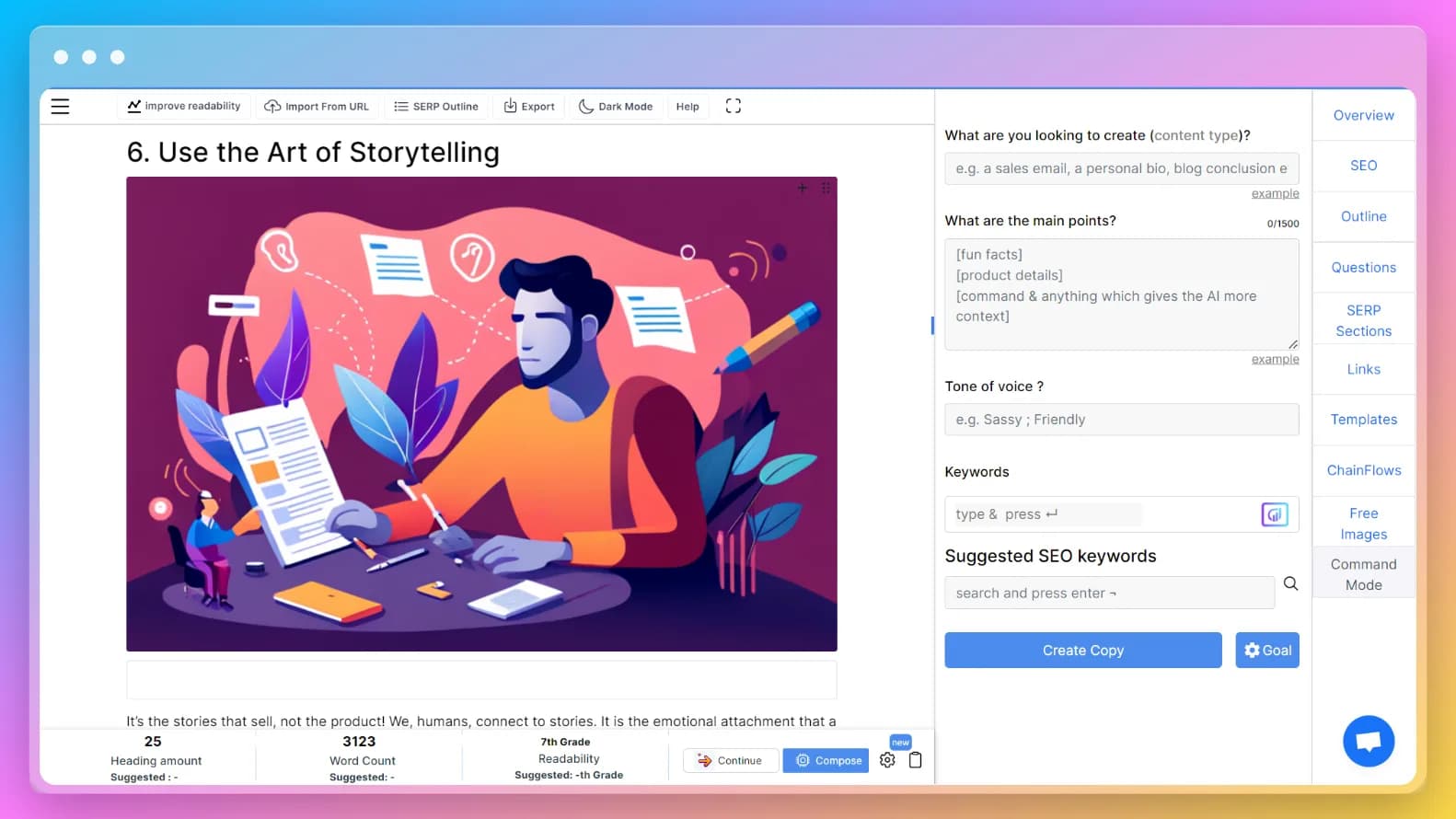
Frequently asked questions
Several image file formats are commonly used in blogs, each with unique features: • JPEG: Most widely used format, great for photographs with lots of detail • PNG: High quality format ideal for graphics, logos, and images requiring transparency • GIF: Small animated images popular for conveying emotion or humor • SVG: Vector format perfect for logos and icons that need to scale without quality loss • TIFF: High-quality format used by professional photographers • BMP: Older format, less commonly used due to large file sizes. Choose the right format based on image purpose, file size requirements, and desired quality level.
Ideal image dimensions vary based on purpose and blog layout: • Featured images: 1200 x 628 pixels (commonly used for thumbnails and social sharing) • Inline images: Keep width at or below your content column width (typically 800px or less) • Social media images: Twitter (1024 x 512px), Facebook (1200 x 628px) • Infographics: 800 x 2000 pixels (common size for vertical infographics). Consider factors like image quality, file size, and format when optimizing dimensions for your blog's specific layout and design requirements.
A blog image generator can create various types of images: • Featured images: Main images that introduce blog posts • Infographics: Visual representations of data and information • Social media images: Optimized graphics for different social platforms • Custom graphics: Illustrations and diagrams for explaining concepts • Collages: Combined multiple images in a single post • Charts and graphs: Visual representations of statistical data • Product images: High-quality visuals for product-related content. This versatility makes blog image generators valuable tools for creating diverse, engaging visual content.
Optimizing blog images is crucial for website performance: • Compress images: Reduce file size without compromising quality • Use appropriate formats: JPEG for photos, PNG for graphics with transparency • Resize properly: Ensure correct dimensions before uploading • Optimize alt tags: Include relevant keywords for accessibility and SEO • Use descriptive filenames: Include relevant keywords in image file names • Implement CDN: Serve images from locations closer to users • Test performance: Ensure images load quickly across all devices. Proper optimization ensures fast loading times and better user experience.
AISEO Blog Images Generator
From Bland to Brilliant: Transform Your Blog with One Click
We all know that content is king, but what about the visuals that accompany your content? They play an equally important role in making your blog stand out and leave a lasting impression on your readers. Did you know that 65% of the population are visual learners, meaning they remember information better when presented with visuals? With AISEO Blog Post Images Generator, you don't have to spend hours designing or searching for the perfect visuals. Simply input your blog URL or content, and our tool will generate all the images you need in a matter of seconds. From feature images to social media graphics, our tool has got you covered.
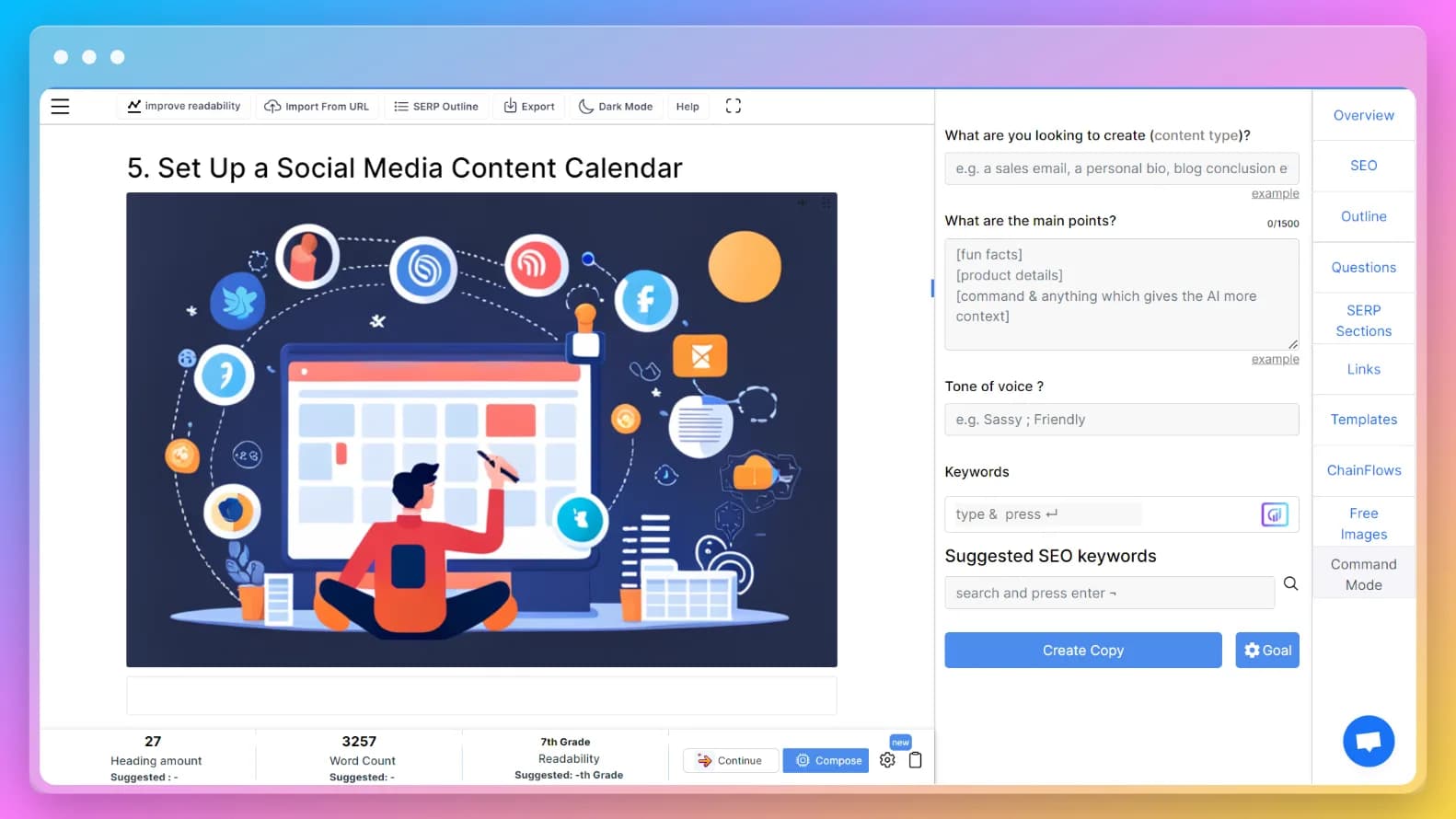
Frequently asked questions
Several types of images can enhance your blog content: • Featured Image: Main image at the top representing the entire post • Infographics: Visual data representations for complex information • Screenshots: Step-by-step instructions or software demonstrations • Stock Photos: Professional photographs for visual interest • Memes: Humorous images with text for personality and engagement • Charts and Graphs: Statistical information visualization • Product Images: High-quality visuals for product-related content • GIFs: Short, looping videos for humor and personality. Using a variety of these image types makes your content more engaging and visually appealing.
Copyright considerations are important when using generated images: • Copyright laws protect original works including photographs and illustrations • Ensure images are royalty-free or licensed for commercial use • Choose generators with partnerships with stock image providers • Check terms and conditions for AI-generated unique images • Consider creating original images or photographs for your blog • Verify that generated images don't infringe on existing copyrights. Selecting a blog image generator that provides licensed images or creating original content helps avoid legal issues.
Blog image generators are especially helpful for beginners: • Easy to use: User-friendly interfaces with drag-and-drop functionality • No design skills required: Pre-made templates and design elements • Time-saving: Generate professional images in seconds • Cost-effective: Affordable alternative to hiring designers or buying expensive software • Professional results: Create high-quality images without extensive experience. While beneficial for beginners, these tools are also valuable for professionals looking to streamline their workflow and save time.
Adding alt-text improves accessibility and SEO: • Keep it brief: Concise descriptions in just a few words • Be descriptive: Include important details and any text in the image • Use keywords: Incorporate relevant keywords naturally • Consider context: Ensure alt-text fits with surrounding content • Avoid redundancy: Don't include "image of" or "photo of" • Use proper grammar: Write grammatically correct descriptions • Test with screen readers: Verify accuracy and helpfulness. Proper alt-text makes content accessible to visually impaired users and improves search engine understanding.
AISEO Blog Images Generator
A Visual Feast for Your Readers: AISEO Blog Images Generator
They say a picture is worth a thousand words, and that's especially true for blogs. Stunning visuals not only make your blog look more appealing but also help to convey your message in a more engaging and memorable way. But creating high-quality visuals can be time-consuming and expensive, especially if you're not a designer. That's where AISEO Blog Post Images Generator comes in - providing a visual feast for your readers with ease. AISEO Blog Images Generator makes it easy to create stunning visuals that will take your blog to the next level. With just one click, our tool generates all the images you need for your blog, from feature images to social media graphics, all optimized for web use. Our tool uses advanced algorithms to create visuals that are visually appealing and designed to increase engagement. With the right dimensions, aspect ratios, and compression settings, your visuals will look great on any device and load quickly for your readers.
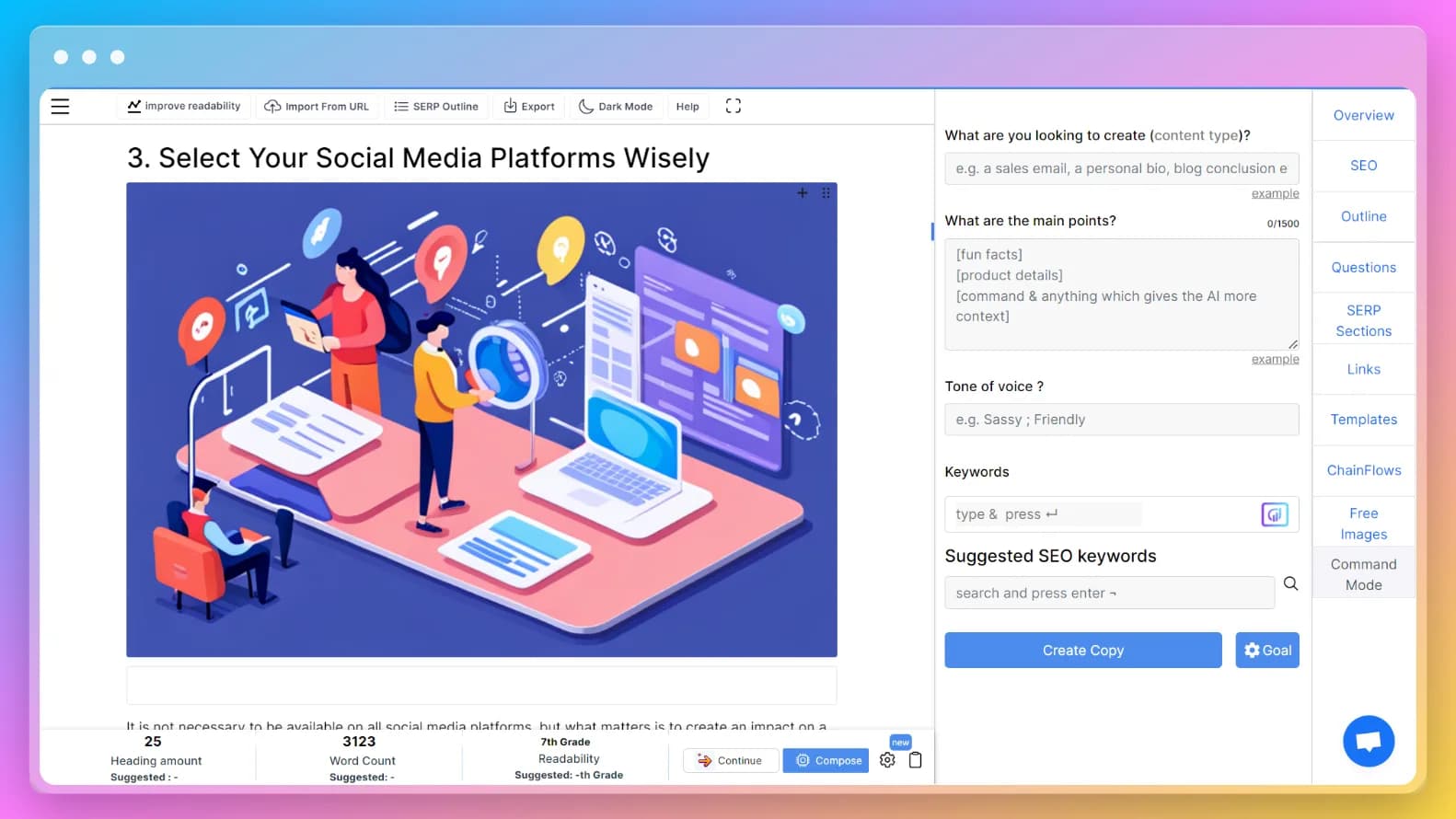
Frequently asked questions
Alt-text or alternative text is a description of an image that is used by screen readers to help visually impaired users understand the content of an image. Adding alt-text to blog images is important for better accessibility, and it's also good for SEO as it helps search engines understand the content of the image. Here are some tips on how to add alt-text to blog images: • Keep it brief: Alt-text should be concise and describe the image accurately in just a few words • Be descriptive: Alt-text should describe the content of the image, including any text or important details • Use keywords: Incorporate relevant keywords in your alt-text, but avoid keyword stuffing • Be mindful of context: Consider the context of the image and the surrounding text to ensure your alt-text is appropriate and provides meaningful information • Don't include "image of" or "photo of": Screen readers already announce that an image is present, so there's no need to include this information in the alt-text • Use proper grammar and punctuation: Alt-text should be grammatically correct and properly punctuated • Test it out: Preview your post with a screen reader to ensure your alt-text is accurate and helpful. By adding alt-text to your blog images, you can make your content more accessible to everyone and improve your SEO at the same time.
Blog Images Generator is designed to generate images for blogs in a matter of seconds, which can save bloggers a lot of time and effort. However, the actual time taken to generate images may vary depending on the content of the blog and the number of images required. Here are some factors that can affect the time taken to generate images using a blog image generator: • Blog content: The complexity and length of the blog can affect the time taken to generate images. If the blog contains a lot of text and multimedia content, it may take longer to generate images • Image requirements: The number and type of images required can also affect the time taken to generate them. If the blog requires a large number of high-quality images, it may take longer to generate them • Internet speed: The speed of the internet connection can also affect the time taken to generate images. A faster internet connection can result in faster AI image generation. In general, Blog Images Generator is designed to generate images quickly and efficiently, so bloggers can get their blogs up and running with minimal hassle.
A Blog Images Generator can be a powerful tool for bloggers to create professional-looking images quickly and easily. Here are some tips to help you make the most out of using one: • Experiment with different styles: Most Blog Images Generator tools offer a variety of styles and templates to choose from • Customize your images: Add your own text, colors, and branding elements to make your images stand out • Keep it simple: Simple images tend to be more effective than cluttered ones, so try to keep your designs clean and minimalistic • Use high-quality images: Make sure to use high-quality images that are relevant to your blog post • Optimize your images for web use: Use image optimization techniques like compressing images and using the correct file formats • Don't overdo it: While images can enhance your blog post, be careful not to overdo it • Use images strategically: Use images to break up your text and highlight important points in your blog post • Keep it consistent: Make sure your images are consistent with your brand and your blog's overall look and feel. By following these tips, you can create professional-looking blog images that enhance your content and engage your audience.
Images are a great way to break up long blocks of text and make your blog visually appealing. Here are some tips on how to use images to break up long blocks of text in your blog: • Use images to illustrate a point: If you are explaining a concept or giving instructions, use an image to help illustrate what you are talking about • Use images as a visual cue: Use images to give readers a visual cue about what they can expect in the upcoming section • Use images as a transition: Use images to transition between different sections of your blog • Use images to showcase your personality: Use images that showcase your personality or your brand's personality • Use images to emphasize key points: Use images to emphasize key points in your blog • Use images to tell a story: Use a series of images to tell a story • Use images to create a visual hierarchy: Use images to create a visual hierarchy on your blog. Overall, using images in your blog is a great way to break up long blocks of text and make your blog more visually appealing. Be sure to choose images relevant to your content and help illustrate your points.
AISEO Blog Images Generator
Up Your Blog Game with Professional-Quality Images in Seconds
As a blogger, you know that visuals are an essential part of any successful blog. They not only add interest and excitement to your content but can also increase engagement and drive traffic to your site. Did you know that blogs with images receive 97% more links to their site than those without? And social media posts with visuals receive 2.3 times more engagement than those without. With AISEO Blog Images Generator, you can create professional-quality images in seconds without any design experience or expensive software. Our tool generates all the images you need for your blog, from blog header images to social sharing images, all optimized for web use.
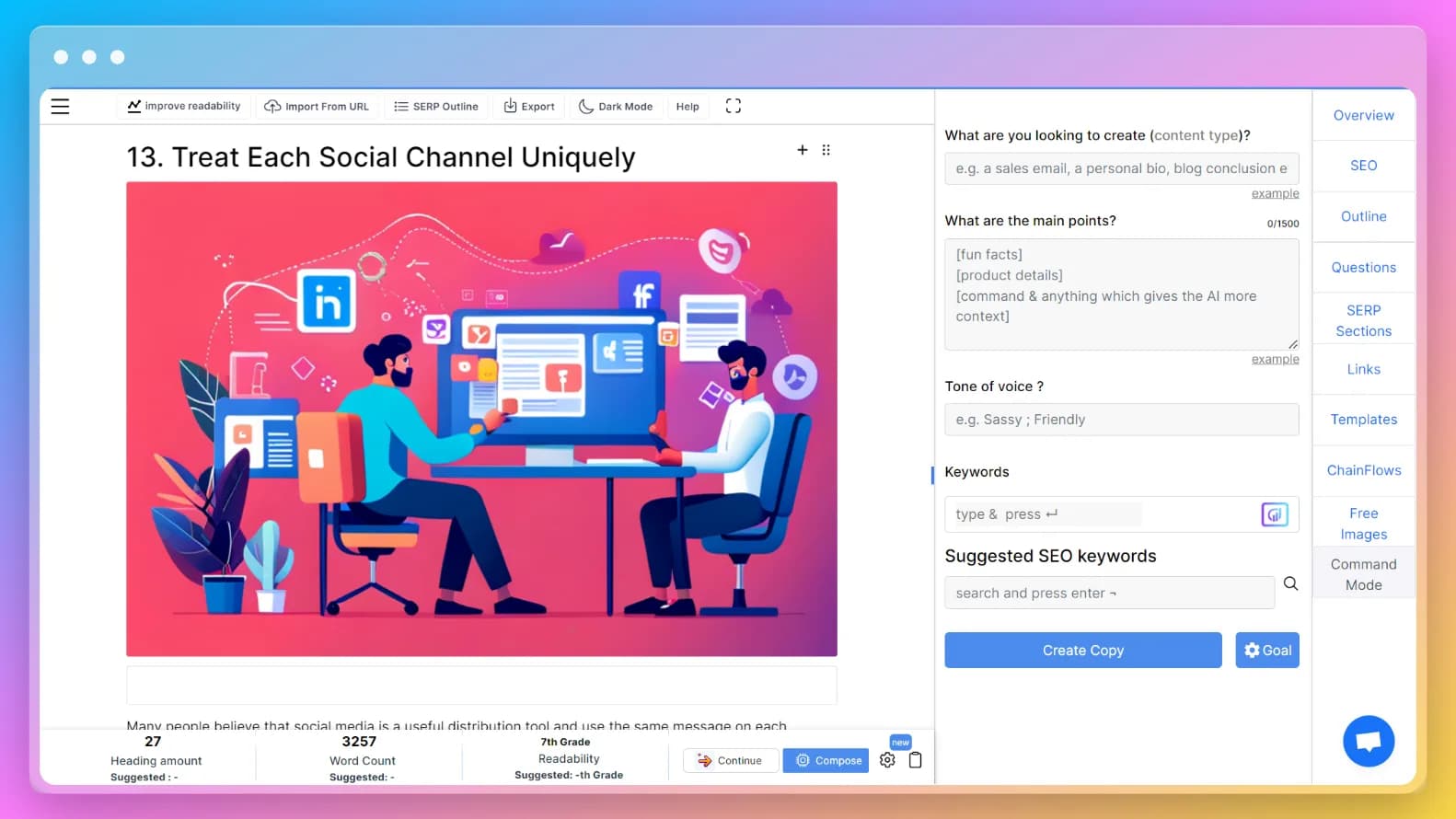
Frequently asked questions
Featured images and blog images serve different purposes: • Featured Images: Primary image at the top of posts, larger and more eye-catching, represent overall content, appear in search results and social shares • Blog Images: Any other images within the post content, support specific points, may be simpler and more straightforward, integrated throughout the post. Both types are important for engaging readers and enhancing the visual appeal of your content.
Blog images significantly improve readability through several mechanisms: • Breaking up text: Make long content blocks more approachable • Providing context: Help readers understand content more easily • Adding interest: Create visual appeal and maintain engagement • Enhancing messages: Reinforce key points and concepts • Improving shareability: Increase social media sharing potential. By strategically placing relevant, high-quality images, you create more accessible and engaging content that keeps readers interested.
Blog image generators benefit a wide range of users: • Bloggers: All skill levels seeking high-quality visual content • Content marketers: Creating engaging materials for target audiences • Social media managers: Developing eye-catching graphics for better engagement • Small business owners: Producing marketing materials for products/services • Non-profit organizations: Creating visual content for awareness campaigns • Students: Developing visual aids for presentations and research • Educators: Making engaging learning materials for students. Anyone wanting to create visually appealing content can benefit from these tools.
Blog image generators offer both advantages and limitations: Pros: • Time-saving: Create images in minutes vs. hours • Customization: Various options for brand-matching designs • Professionalism: Add professional quality to your blog • Variety: Multiple image styles and formats available • Cost-effective: Affordable compared to hiring designers. Cons: • Limited originality: Pre-made templates may lack uniqueness • Restrictions: Possible limitations on size, formats, or customization • Subscription costs: Some tools require ongoing payments • Quality variations: May not match professionally designed graphics. Consider your specific needs, budget, and design requirements when choosing whether to use a blog image generator.
AISEO Blog Images Generator