Remove Watermarks From Your Photos
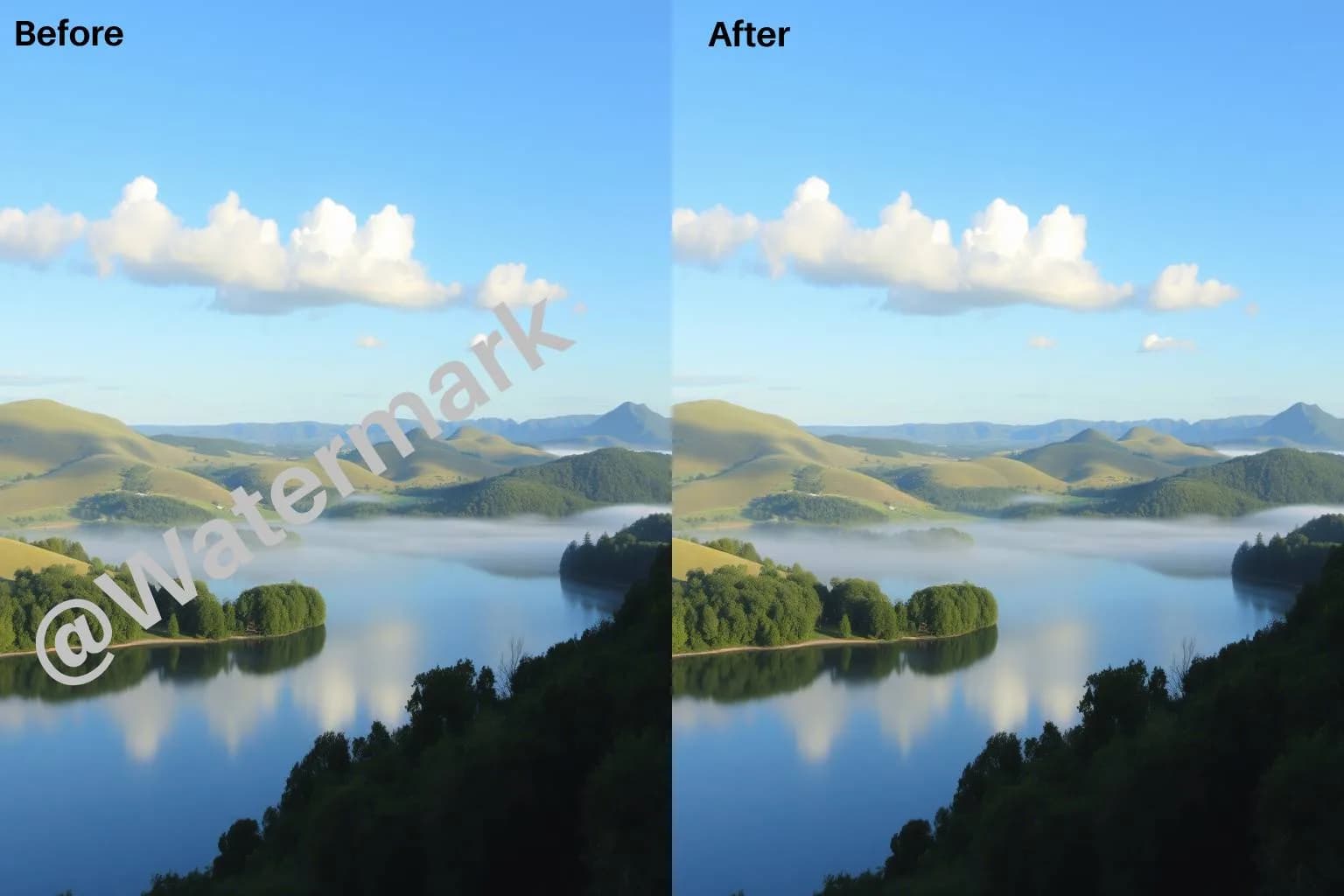
Upload a photo and let AI reconstruct the area covered by a watermark. Add a description to guide the edit, then compare the result with your original before downloading.
Try watermark removal
01
Automatic Detection
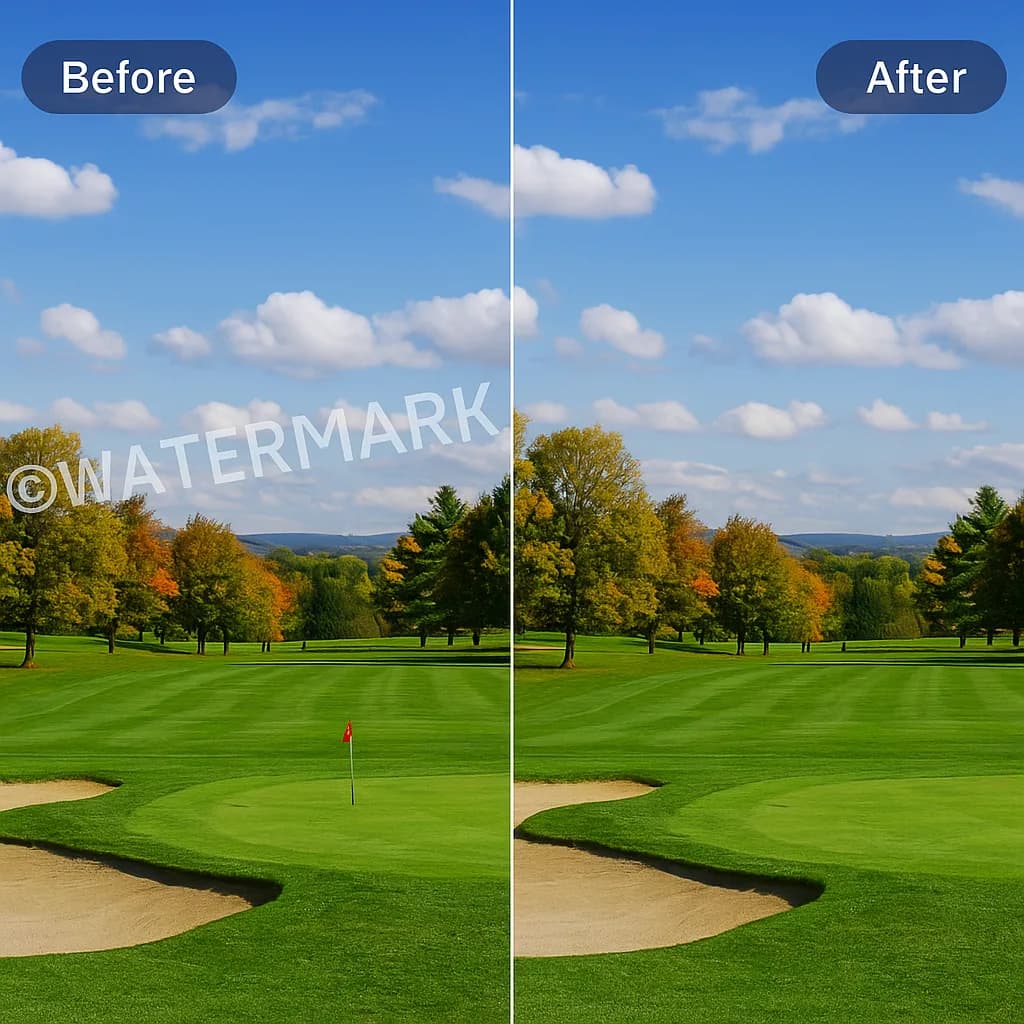
Instantly spots and removes watermarks with smart AI that understands even tricky, layered designs.
02
One-Click Simplicity
Upload your image and get clean results automatically, no editing skills or extra steps needed.
03
High-Quality Output
Preview the edited image beside your original. Reconstructed areas and other details may differ.
04
Fast Processing
Upload a photo and generate an edited version to preview and download.
Why Choose Our Tool
Why You Need Our Watermark Remover
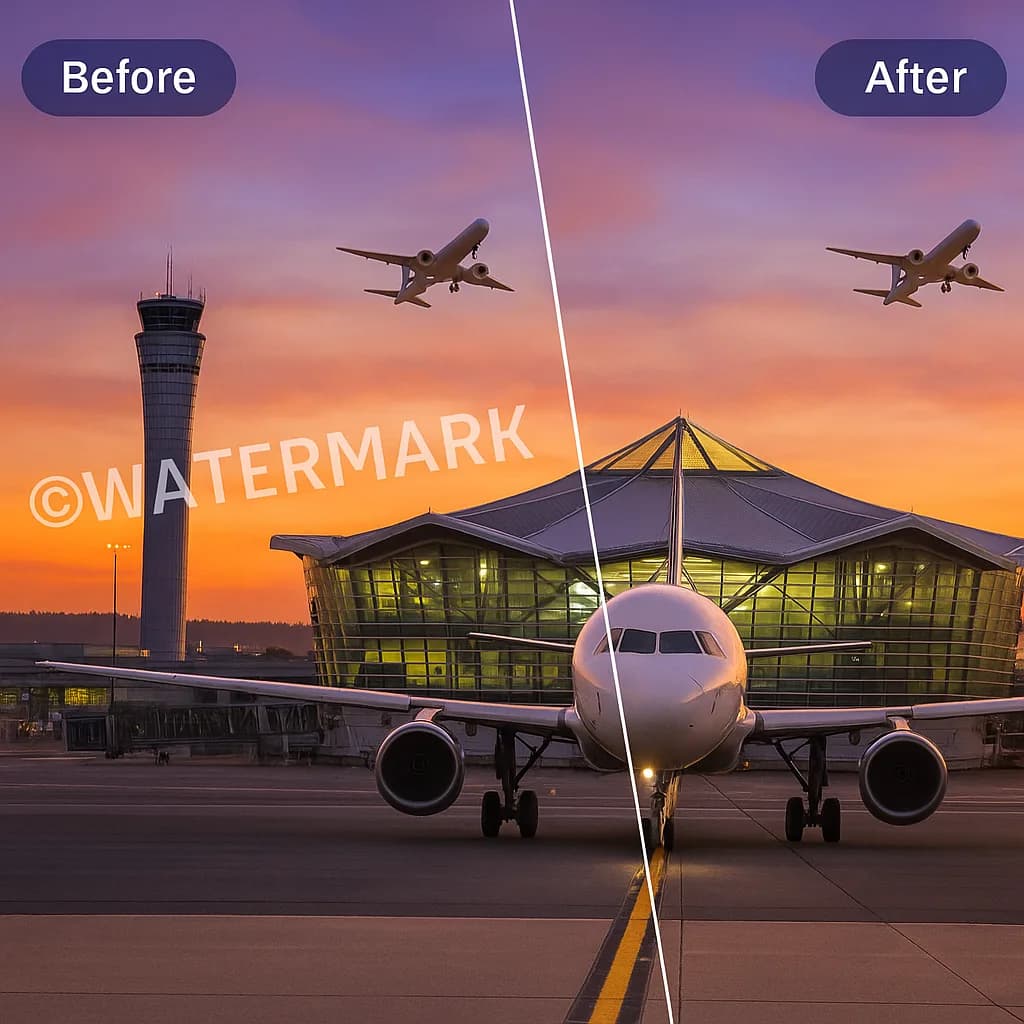
Remove an overlaid watermark without editing each pixel by hand. AI reconstructs the covered area, and you can compare the result with your original before using it.
- Watermarks make photos unusable for personal, business, or creative projects without removal.
- Some watermarks are deeply embedded and need smart AI to get them fully cleared.
- AI reconstructs covered areas, so results can vary. Check for changed details before using the image.
- Quick watermark removal saves you hours of editing work, letting you focus on your actual project.
Simple Process
How It Works
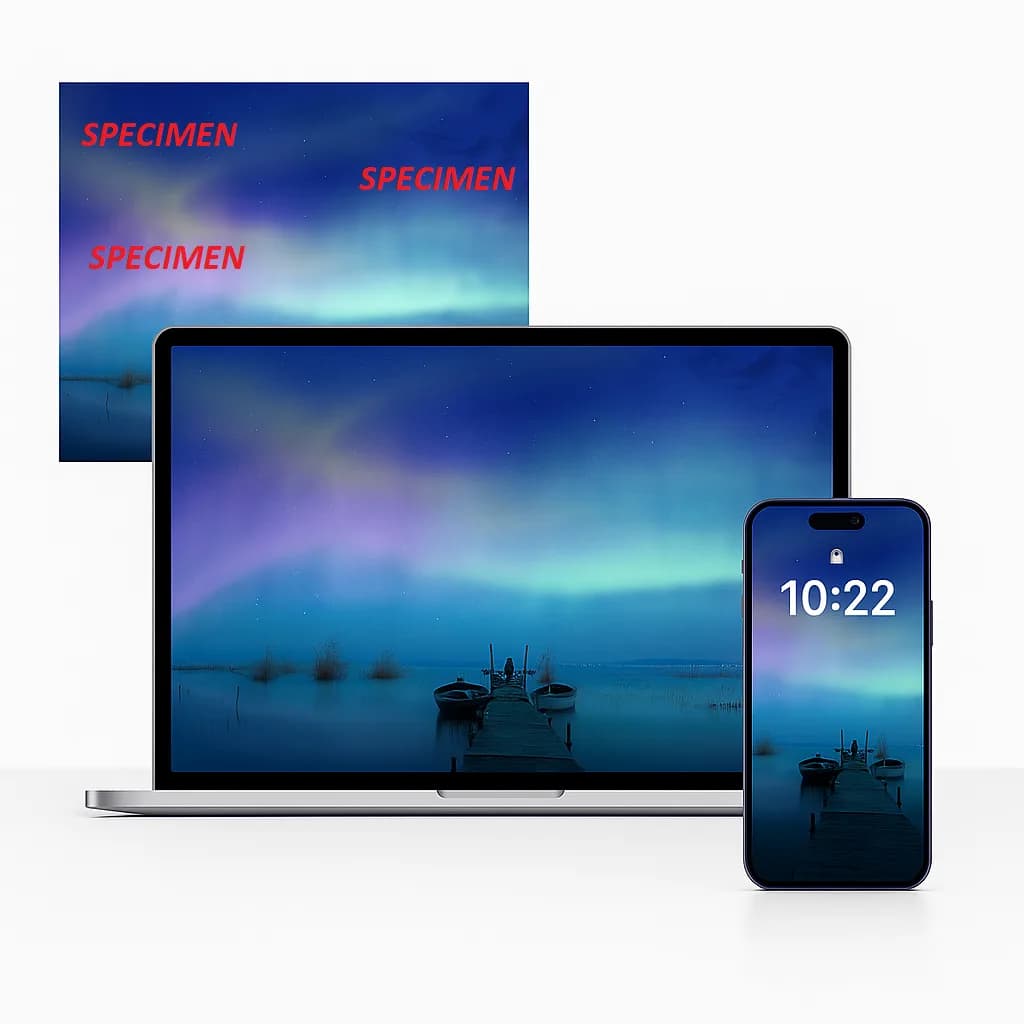
Get clean, watermark-free images in just four simple steps. Upload your photo, let our AI automatically detect and remove watermarks, preview the results, and download your high-quality, ready-to-use image.
01
Upload Your Image
Select a JPEG, PNG, or WebP photo up to 10 MB.
02
AI Gets To Work
The AI identifies the watermark and reconstructs the covered area. Add a description to guide the edit.
03
Preview The Result
Instantly see your clean, watermark-free image before downloading.
04
Download Instantly
Save your high-quality, ready-to-use photo right to your device.
What is a 'Remove Watermark' Tool?
A watermark remover uses AI to reconstruct the area beneath an overlaid watermark. Upload a photo and optionally describe the mark. Generative edits may alter details beyond the watermark, so compare the result with the original.
Who Should Use Remove Watermark
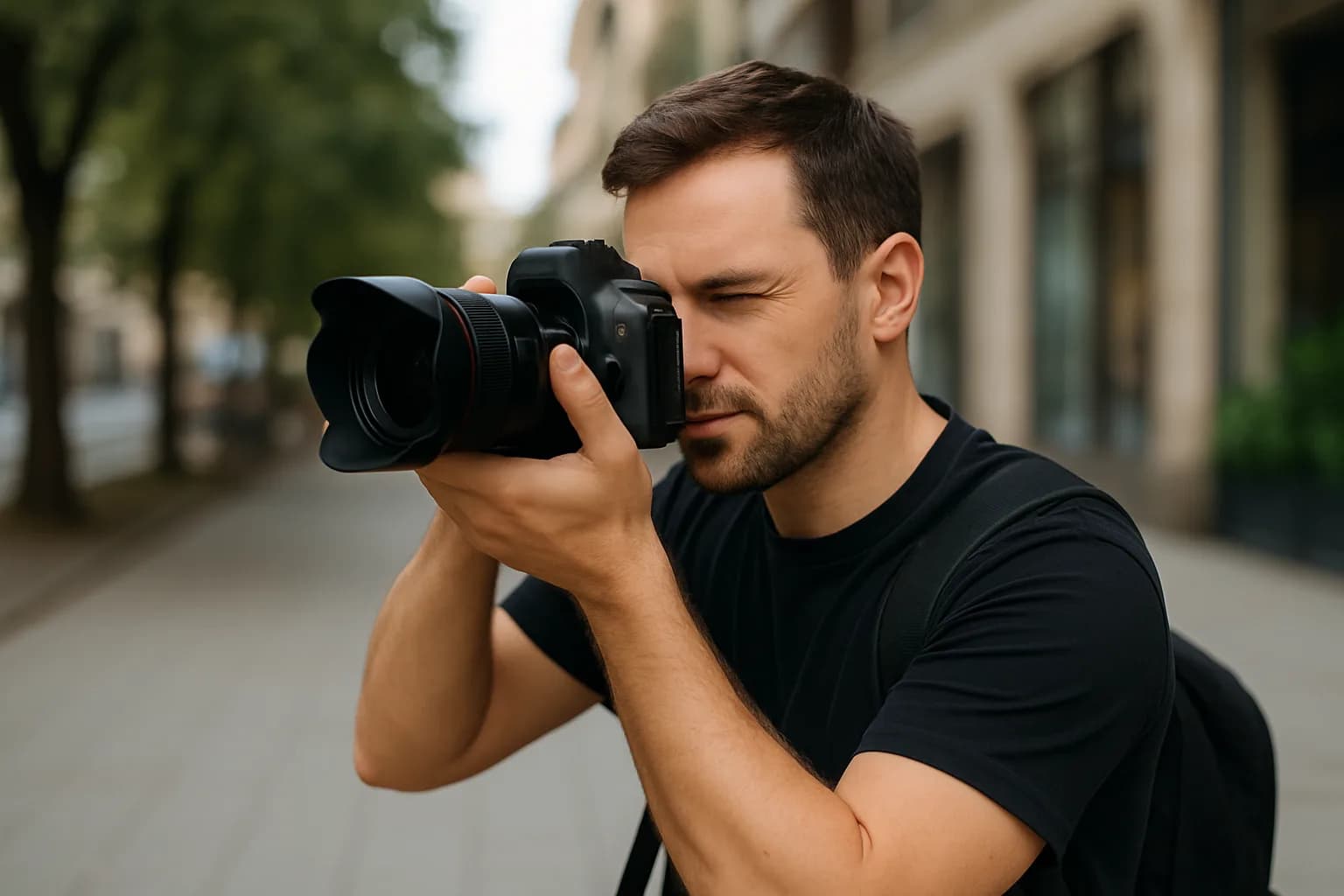
Photographers
Clean client photos or personal shots by removing logos or unwanted marks easily and safely.
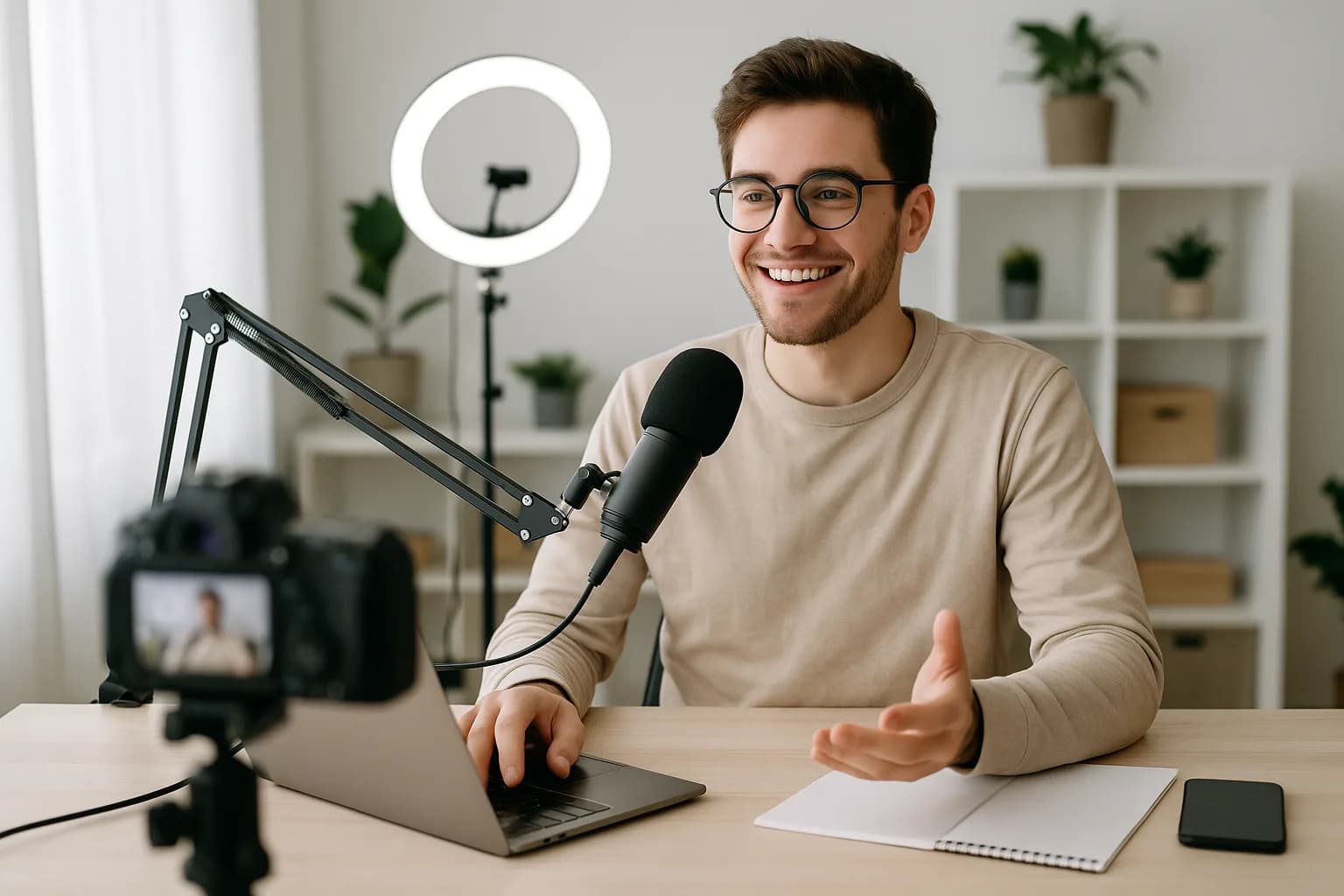
Content Creators
Get clean images for blogs, social media, or videos without spending hours editing manually.
Businesses
Polish product photos and marketing materials by removing distracting watermarks with professional precision.

Students
Use watermark-free images for school projects, presentations, and reports without compromising on quality.

4.5 on Trustpilot
What Users Love About Remove Watermark

Juma R.
Student
I needed a clean image for a school presentation, and this tool worked like magic. It removed the watermark perfectly without any blur.

David B.
Marketer
I use this for social media creatives. It gives a professional finish to every image I clean. Fast, sharp, and no trace left behind.

Prakash B.
SEO Professional
Before uploading product images, I run them through this remover to clean up logos. The quality stays intact, love that!

Jameskharl V.
SEO Expert
Tried removing a complex watermark over a textured background and it nailed it. Didn't expect AI to be this precise.

Daniyal H.
Entrepreneur
I cleaned up dozens of images in minutes for our business brochure. No need to redo designs, saved me hours!

Rukmini M.
Blogger
Perfect for my digital art portfolio. I can now remove old watermarks and reuse my artwork without re-editing everything from scratch.
Our Other Tools
01
AI Hairstyle Changer
Instantly try new hairstyles that fit your face. Upload your photo and experiment with different looks before making real changes.
02
AI Math Solver
Stuck on a problem? Drop your equation in and get clear, step-by-step answers fast.
03
Article Generator
Need content fast? Enter your topic and get a complete, natural-sounding article you can use right away.
Frequently Asked Questions
Upload your image, optionally describe the watermark and its location, generate an edit, and preview it before downloading.
Upload JPEG, PNG, or WebP images up to 10 MB. Download the edited result as a PNG.
Describe the watermark and its location to guide the AI, then generate a new result. This tool does not include a manual brush.
Yes. It works smoothly on both iOS and Android devices using any modern web browser.
Yes. Open this page in your desktop browser. No app installation is needed.
Removing watermarks is legal if you own the image or have permission. Always respect copyright laws.
This tool processes one image at a time. Download your result before starting another image.
You get three free attempts per day, shared across our image tools. Members use one writer credit per image; existing unmetered plans remain unmetered.
Get started