Convert Speech to Text Instantly With Our AI Tool
Stop replaying audio files again and again just to catch important points. Our Speech to Text tool turns spoken audio into clean, readable text within seconds. Whether it's a meeting, lecture, interview, or voice note, you get accurate transcription without effort.
No technical skills needed. No downloads required. Just upload your audio and get text instantly.
 Stop Listening. Start Reading Faster.
See How Speech to Text Works for You
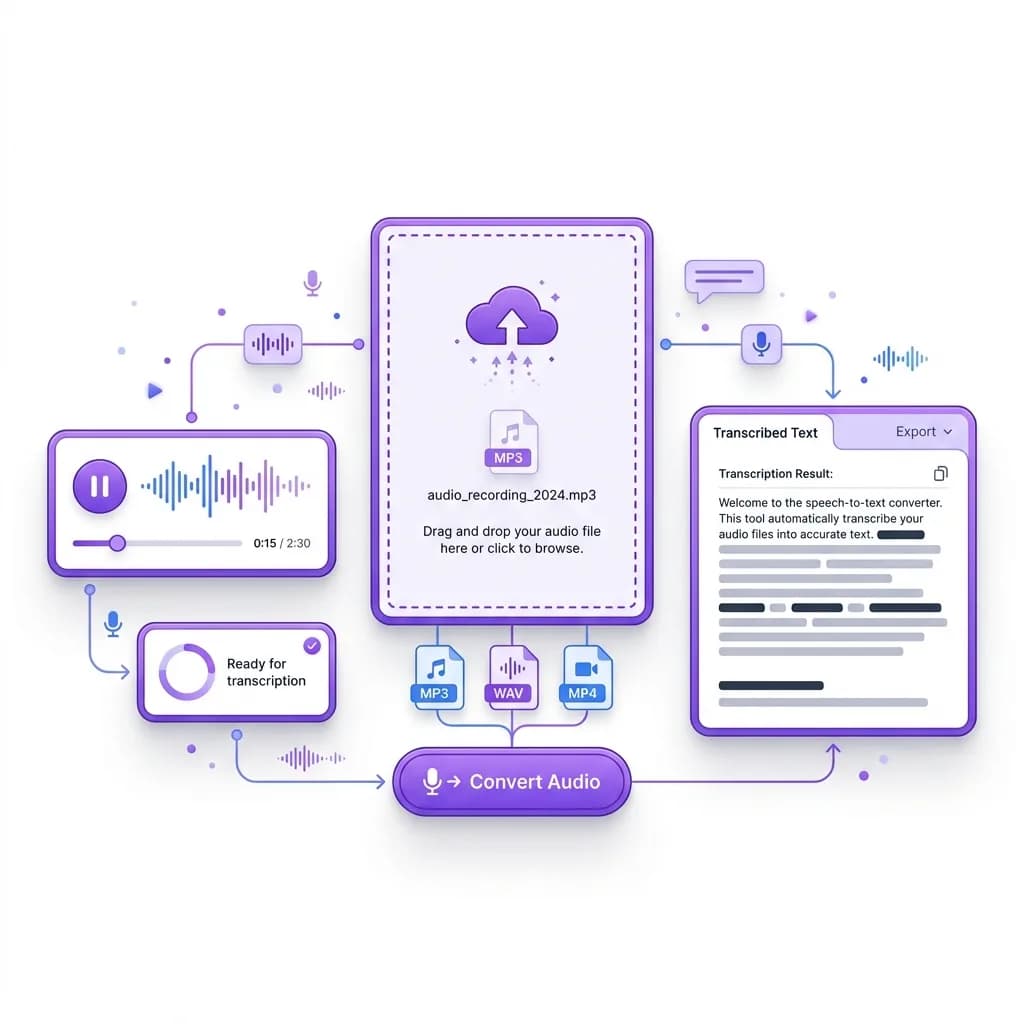
With our speech to text tool, turning audio into readable text takes only seconds. Simply upload your file, and the system converts spoken words into clear text automatically. There's no need to pause recordings, replay sections, or type anything manually.
Even long audio files become easy to review, search, and reuse. Instead of sitting through full recordings, you can scan the content, pull key points, and move on faster. That's why speech to text works so well for students, professionals, and anyone who deals with audio on a regular basis.
 One File per Request
Transcribe One Recording at a Time
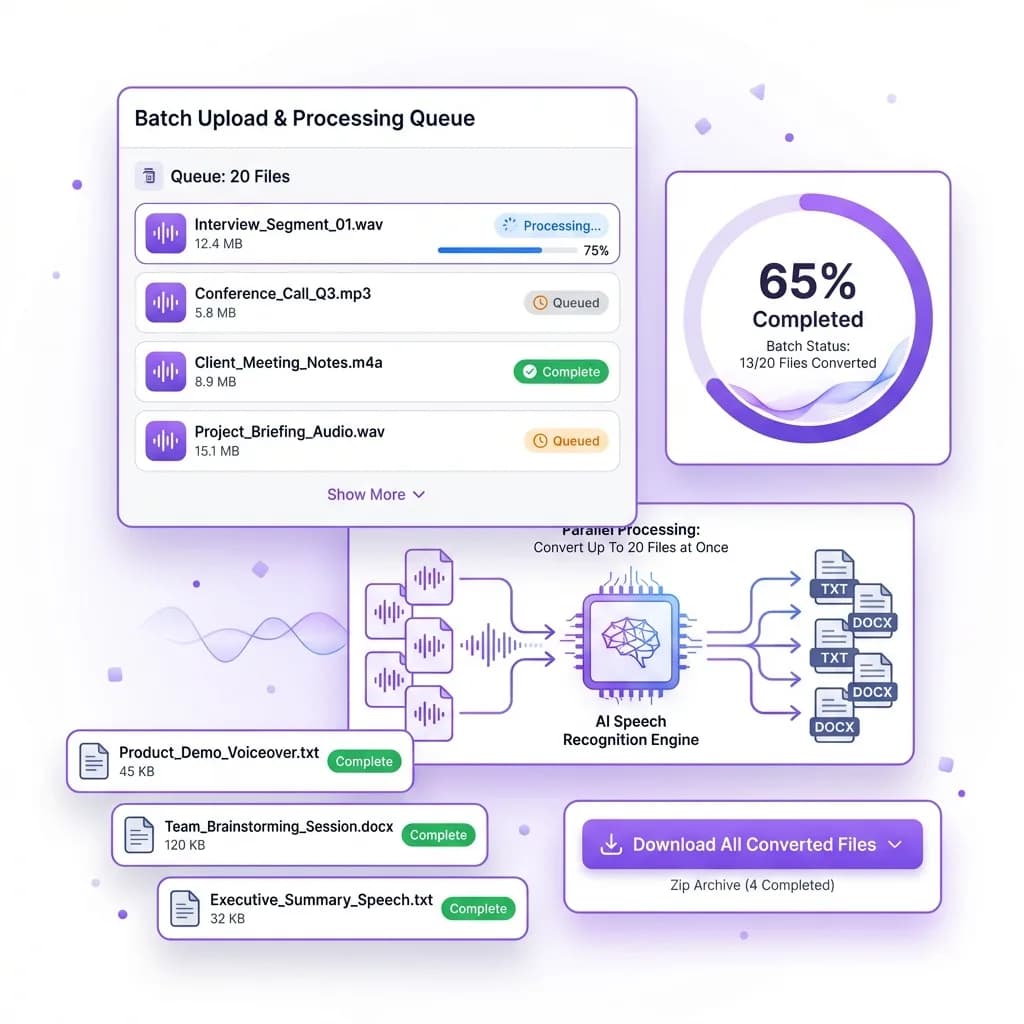
The form accepts one recording per request. Review and save the result before choosing Start over to transcribe another file within your daily allowance.
Instead of transcribing by hand, you upload a recording and let the system handle the workload. The tool processes each audio file individually while maintaining accuracy and formatting, even when files vary in length or quality. This saves hours of manual work and keeps your workflow moving smoothly.
Simply upload your file, start the conversion, and let the speech to text engine do the rest. No switching between tabs. No manual retyping. Just fast, reliable transcription, one recording at a time.
 No Barriers
Accurate Transcription Even Without Perfect Audio
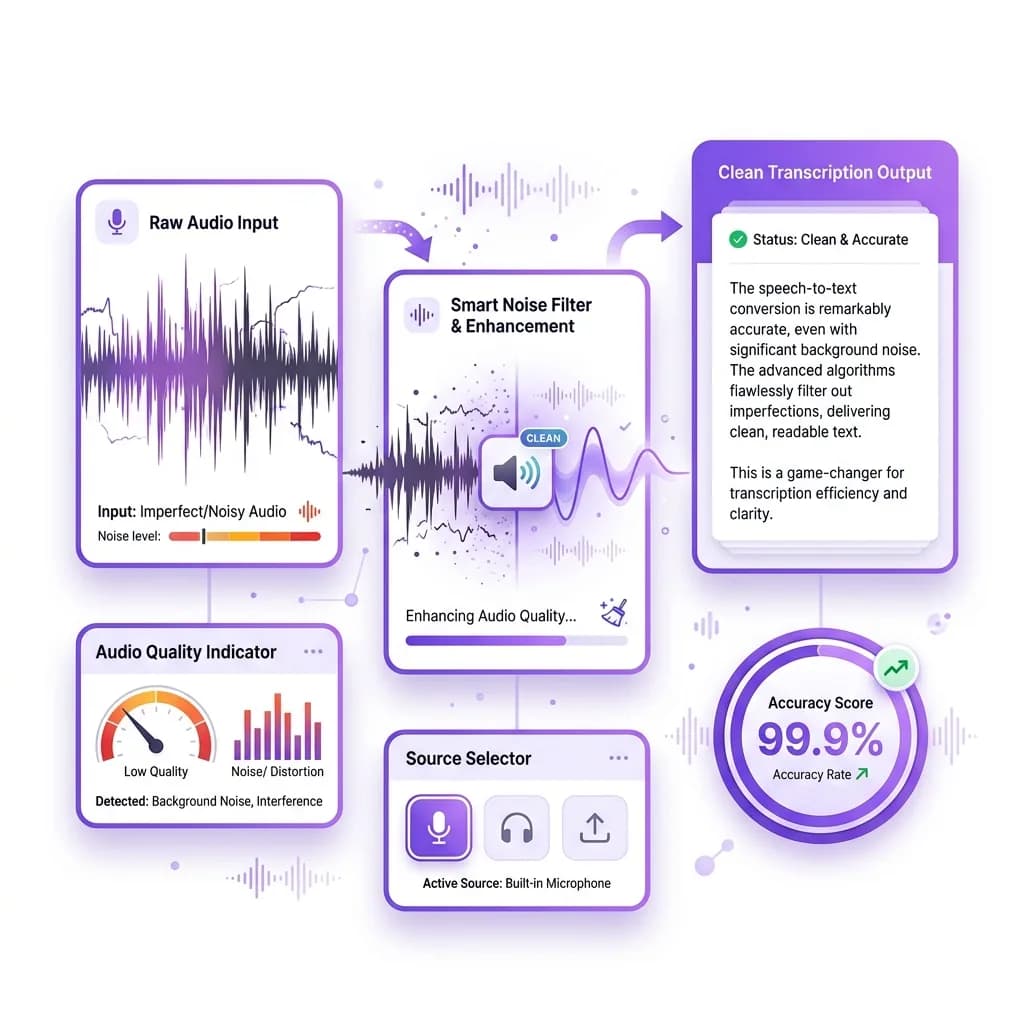
Most speech to text tools depend on clean, studio-quality recordings. Ours does not. This tool is built to handle real-world audio, where background noise, overlapping voices, or uneven sound levels are common. Whether the audio was recorded on a phone, laptop, or in a busy environment, the system still delivers clear and readable text.
The speech to text engine listens carefully to spoken words and filters out distractions to capture the actual conversation. That means you don't need professional microphones or soundproof rooms to get accurate results. Even fast speakers, casual conversations, or less-than-perfect recordings can be converted into usable transcripts.
This makes the tool ideal for everyday use. It works smoothly for meetings and conference calls where multiple people speak. It handles interviews and podcasts without losing context. Online classes and recorded lectures are converted into text you can review later. Field recordings and voice notes also process accurately, even when audio quality varies.
If someone is speaking, the tool can transcribe it. You focus on recording. The speech to text system handles the rest, giving you reliable text without extra effort or cleanup.
 Global Language Support
Convert Speech to Text in 60+ Languages
Language should never slow you down.
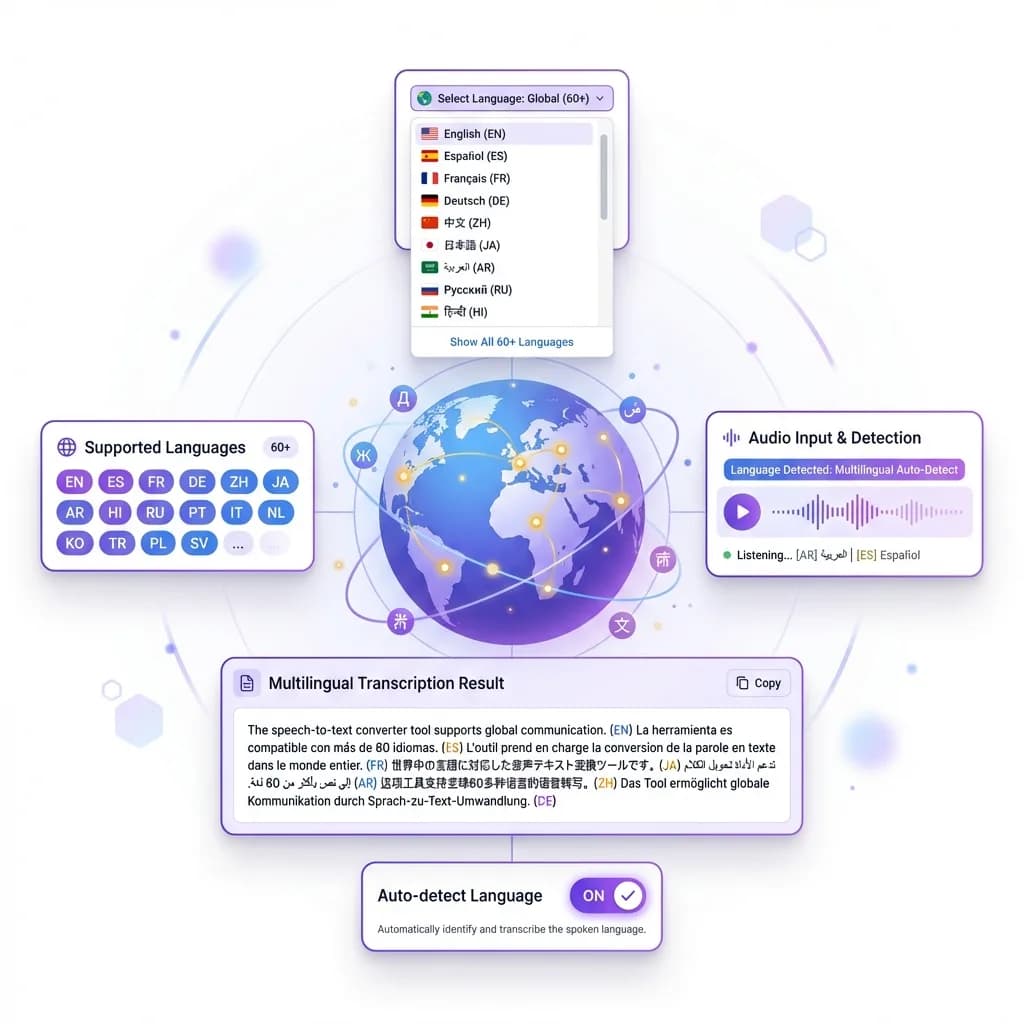
Our Speech to Text tool supports over 60 languages, allowing you to transcribe audio from speakers around the world. Whether it's English, Spanish, French, German, or another language, the output stays accurate and readable.
Great for:
- International meetings
- Foreign lectures
- Global research
- Multilingual content creation
Everything happens in one place. No extra tools required.
 Fast Results
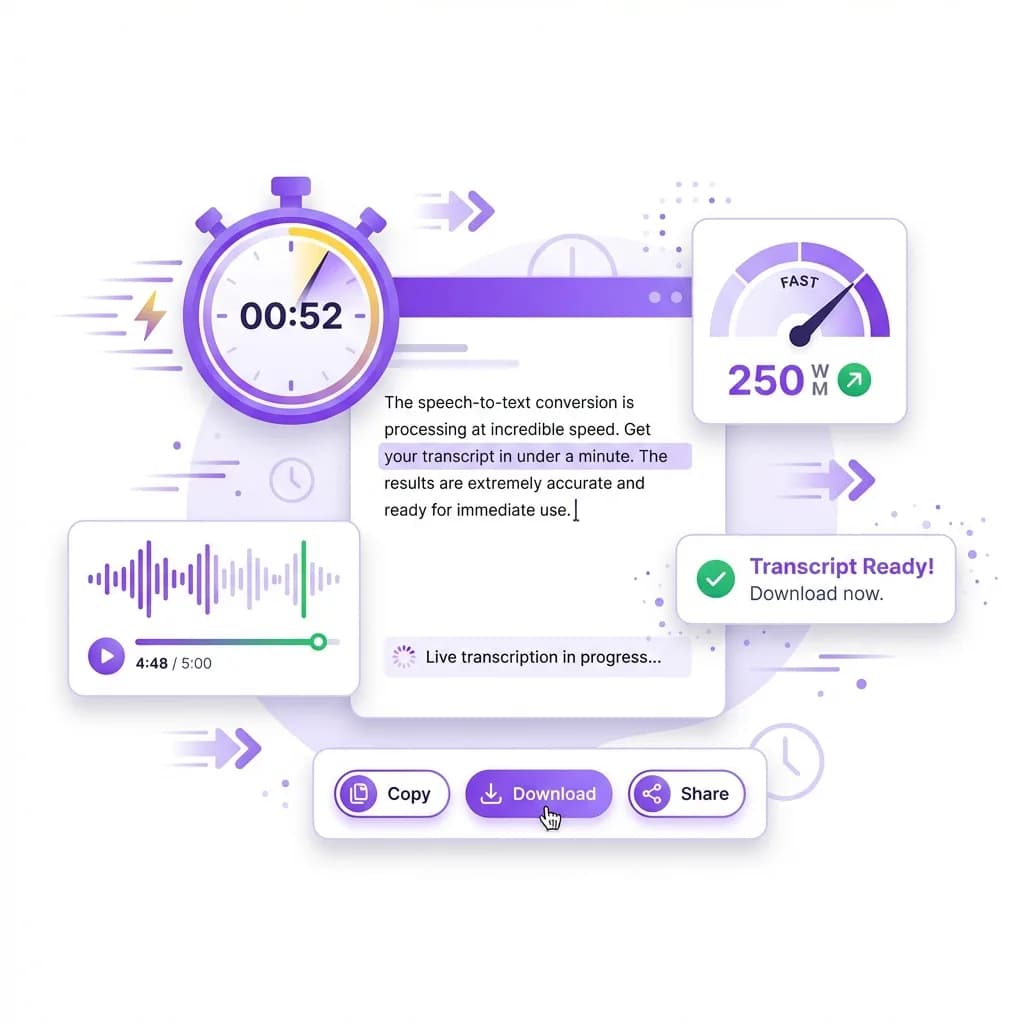
Get Your Transcript in Under a Minute
When you're working with audio, waiting around isn't an option. That's why our speech to text tool is designed for speed. You upload your file, click convert, and your transcript is generated in moments. No delays, no long processing times, and no unnecessary steps.
Even longer recordings are handled efficiently. The system processes audio quickly while maintaining accuracy, so you're not stuck watching loading screens or refreshing pages. Whether it's a short voice note or a full-length meeting recording, you get results almost instantly.
Fast transcription means you can move forward without interruption. Review your content, extract key points, or share the text right away. When time matters, having a tool that works this quickly makes a real difference in productivity.
What Is the Speech to Text Tool?
The Speech to Text tool is an AI-powered solution that converts spoken words into written text automatically. It listens to audio files, understands speech patterns, and produces structured text you can read, edit, or download.
You don't need special software or technical skills. Just upload your file and get your transcript instantly.
What makes it different:
- No length restrictions
- No subtitle dependency
- High accuracy
- Single-file uploads
- Multi-language transcription
It's built for speed, clarity, and real-world use.
Why Speech to Text Is So Useful
Audio takes time. Text saves time.
Listening to long recordings slows productivity. With speech to text, you can scan, search, and understand content in minutes instead of hours.
It helps you:
- Learn faster
- Capture key points
- Save time
- Reuse content easily
- Stay organized
This isn't about cutting corners. It's about working smarter.
How to Convert Speech to Text Online
Step 1: Upload your audio file or paste a link
Start by uploading your audio file directly into the speech to text tool. You can also paste a supported audio link if your file is hosted online. The tool works with common formats such as MP3, WAV, and MP4, so there's no need to convert your file beforehand.
Step 2: Click the "Convert to Text" button
Once your file is uploaded, click the convert button to begin the transcription process. You don't need to adjust any settings or choose special options. The system is designed to work automatically.
Step 3: Let the AI process the audio
The speech to text engine listens to the audio, identifies spoken words, and converts them into written text. This happens quickly, even for longer recordings, without affecting accuracy.
Step 4: Review your transcript
Within seconds, your transcript appears on the screen in a clean, readable format. You can scroll through it, search for specific sections, or make small edits if needed.
Step 5: Copy or download the text
Once you're satisfied, copy the transcript or download it for later use. You can use it for notes, reports, captions, or documentation.
Step 6: Convert more files if needed
The form accepts one recording per request. Review and save the result before choosing Start over to transcribe another file within your daily allowance.
That's all it takes. No setup, no learning curve, and no wasted time, just fast and accurate speech to text results.
Frequently Asked Questions
Yes. The tool does not rely on subtitles. It converts speech directly from the audio, even when captions are unavailable.
Yes. The tool supports over 60 languages and automatically detects the spoken language.
Yes. The form accepts one recording per request, so you convert a single file at a time within your daily allowance. Review and save the transcript, then choose Start over to convert the next file.
Accuracy is high for clear audio. Even with background noise or multiple speakers, the output remains reliable and readable.
The tool works best with:
- Meetings
- Lectures
- Interviews
- Podcasts
- Voice recordings
Yes. The tool works smoothly on mobile browsers with no app required.
Yes. You can copy, download, or store the text however you like. The content is fully yours to use.