Free Online Image to Text Converter: Extract Text from Any Image
Stop wasting time manually typing text from images, screenshots, or scanned documents. Extract all text instantly with our free AI-powered image to text converter and OCR tool.
Whether it's a screenshot, photo of a document, receipt, handwritten note, or any image containing text, our text extractor accurately recognizes and extracts every word within seconds. Just upload, click, and get clean, editable text ready to use.
 Stop Typing. Start Extracting Faster.
How Our Image to Text Converter and OCR Tool Works
Start by uploading an image that contains text, such as a screenshot, photo of a document, scanned page, receipt, or handwritten note.
Once uploaded, our advanced OCR technology analyzes the image, recognizes each character, and extracts the text in a clean, editable format. No more retyping, no more copying by hand. You get accurate text output ready to copy, edit, or download.
This text extractor is perfect for students who need to extract text from lecture slides, professionals processing receipts and documents, or anyone who needs digitization of printed content quickly.
Instead of spending hours typing out text from images, you get instant results. Upload once, extract everything, and move on with your work.
 Free Daily Allowance
Free Online OCR Tool with a Daily Allowance
Our image to text converter includes a daily free allowance with no subscription required. Upload an image and extract its text without paying for the free allowance.
Process multiple images within the daily allowance. Whether you're a student extracting lecture notes or a professional handling documents, you can use the free allowance each day.
No credit card is required to use the daily free allowance. The upload form shows the file size limit and how many free extractions are available.
Use the daily free allowance to extract text from your images without a subscription.
 Works with Any Image
Extract Text from Photos, Screenshot to Text, and Scans
Our image to text tool handles all types of images with ease. Whether it's a high-quality screenshot, a blurry photo to text conversion, or a scanned page, our OCR online technology recognizes and extracts text accurately.
You don't need perfect images or professional scanners. A simple photo from your phone works just as well. The tool processes screenshots from websites, photos of whiteboards, receipts, business cards, and even handwritten notes with text recognition precision.
This flexibility means you can digitize content anywhere, anytime. Found useful information in an image? Just upload it and get the text instantly. No manual retyping required with our image text extractor.
From students capturing lecture slides to business professionals processing documents, everyone can benefit from fast, accurate text extraction.
 Instant Results
Get Extracted Text in Seconds: Fast Online OCR
Speed matters when you're working with documents and images. Our image to text converter delivers results almost instantly. No long processing times, no waiting around. Extract text from image files in seconds.
Upload your image and click Extract text. Review the extracted text before copying or downloading it.
This speed transforms your workflow. Instead of spending hours typing text from images, you get instant results. Time saved adds up quickly, whether you're processing a single image or converting multiple documents.
Perfect for tight deadlines, quick research, or whenever you need text extraction on the fly. Fast, reliable, and always ready when you need to convert image to text.
 Multi-Language Support
OCR Online Tool: Extract Text in 60+ Languages
Language barriers shouldn't stop you from accessing information. Our image to text tool supports over 60 languages, allowing you to extract text from images in almost any language. This online OCR tool handles multilingual content seamlessly.
Whether the image contains text in English, Spanish, French, German, Chinese, Japanese, or any other supported language, our OCR technology recognizes and extracts it accurately. The tool automatically detects the language and processes the text accordingly.
Use the same image text extractor for international research or multilingual documents. Review the result for names, numbers, and characters the image makes hard to read.
Students learning foreign languages, professionals handling international documents, and researchers analyzing global content can all benefit from this versatile text extraction tool.
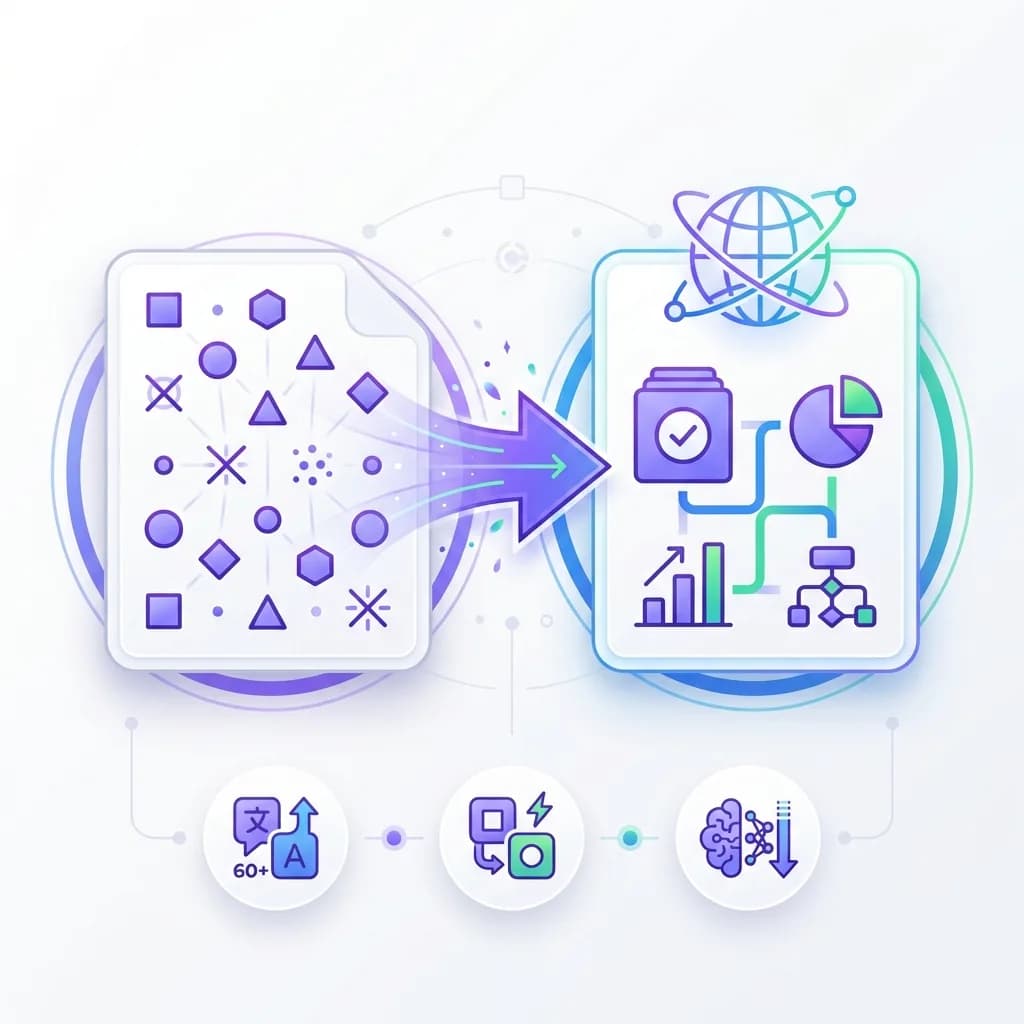
What Is Image to Text Conversion and OCR?
Image to text conversion, also known as Optical Character Recognition (OCR), is a technology that extracts text from images and converts it into editable, digital format. Instead of manually typing text from screenshots, scanned documents, or photos, you can simply upload the image and let the OCR tool do the work.
The tool analyzes the image, recognizes each character through text recognition, and reconstructs the text in a format you can copy, edit, or download. This technology works with various image types including screenshots, scanned PDFs, photos of documents, and even supports handwriting to text conversion.
Our image to text converter uses advanced AI to ensure high accuracy, even with complex layouts or challenging image quality. It preserves formatting where possible and delivers clean, usable text output.
This online OCR technology is essential for digitizing physical documents, extracting information from visual content, and making image-based text searchable and editable.
Why Use an Image to Text Converter and OCR Tool?
Converting images to text saves enormous time and effort. Manually typing text from images is tedious, error-prone, and time-consuming. Whether you're transcribing lecture slides, digitizing receipts, or copying text from screenshots, automated text extraction is far more efficient.
Image to text conversion also makes text searchable and editable. Once extracted, you can search through the content, edit it, copy text from image files to other documents, or use it in your workflow. Image-based text remains locked and unusable until converted with an OCR scanner.
This text extractor is invaluable for students, researchers, professionals, and anyone who works with visual content containing text. It bridges the gap between physical and digital information.
In today's digital world, the ability to quickly convert image to text and extract text from photos is a significant productivity booster that no professional should be without.
How to Extract Text from Images Online for Free?
Using our image to text converter is straightforward and requires no technical skills. If you can upload an image, you can convert image to text in seconds. Here's the step-by-step process for our online OCR tool:
Step 1: Prepare your image. Take a photo or screenshot of the text you want to extract. Ensure the text is clear and readable for best OCR results.
Step 2: Upload the image. Click the upload button or drag and drop your image into the tool. We support common formats like JPG, PNG, and WEBP for photo to text conversion.
Step 3: Click \"Extract Text\". Once your image is uploaded, hit the extract button to start the image to text conversion process.
Step 4: AI processes the image. Our OCR technology analyzes your image, recognizes the text characters, and reconstructs the text in digital format.
Step 5: Get your extracted text. Within seconds, your extracted text appears on screen, ready to copy, download, or edit.
Step 6: Use your text. Copy the extracted text to your clipboard, download it as a file, or paste it directly into your documents.
Use the extracted text in your documents after checking it against the image.
Frequently Asked Questions About Image to Text and OCR
You can use almost any type of image that contains readable text with our image to text tool. This includes screenshots, scanned documents, photos of pages, receipts, business cards, presentation slides, whiteboards, and even handwritten notes.
The OCR online tool works best with clear, high-quality images where the text is visible and legible. However, our AI is designed to handle various image qualities and can still extract text from slightly blurry or low-resolution images.
Supported image formats include JPG, PNG, WEBP, and other common image file types for text extraction.
Our image to text tool provides highly accurate extraction for most types of content. The advanced OCR technology recognizes text characters with precision and reconstructs them correctly through text recognition algorithms.
Accuracy is highest with clear, high-quality images containing printed text. Well-formatted documents, receipts, and screenshots typically produce near-perfect results when you extract text from image files.
For handwritten text or very poor quality images, accuracy may vary slightly, but the image text extractor still performs exceptionally well. We recommend using the clearest possible image for the best OCR results.
Yes. Our image to text tool supports over 60 languages, including Spanish, French, German, Chinese, Japanese, Arabic, and many more. This multilingual OCR capability sets our online OCR tool apart.
The AI automatically detects the language in the image and extracts text accordingly. This makes it perfect for international documents, foreign language materials, or multilingual content processing.
You don't need to specify the language; the OCR scanner handles it automatically, making the process seamless and hassle-free for text extraction.
Yes. The free OCR tool has a daily allowance. You can extract text from images within that allowance, which is shown in the tool.
Our image to text converter includes a daily free allowance with no subscription required. Additional usage is subject to your plan and available credits.
This makes it ideal for students, professionals, and anyone who needs regular text extraction from images without worrying about limits.
Yes. Our image to text tool can extract handwritten text, though accuracy depends on handwriting clarity. Neat, legible handwriting produces excellent results with our handwriting to text feature.
For best results with handwritten content, ensure good lighting, clear focus, and legible writing. Messy or very stylized handwriting may be more challenging for the OCR scanner to recognize.
Printed text generally produces the highest accuracy in photo to text conversion, but our AI is trained to handle various handwriting styles for text extraction.
Once text is extracted from your image, you can use it however you need. Copy it directly to your clipboard, paste it into documents, save it for later, or download it as a text file.
The extracted text from our image to text converter is fully editable, so you can make corrections, add formatting, or incorporate it into your work immediately. There are no restrictions on how you use the extracted content.
Simply click the copy button or use the download option to save the text to your device after text extraction is complete.
Yes. Your privacy is our priority. Uploaded images are processed securely and are not stored permanently on our servers when you extract text from photo files or other images.
Once the text extraction is complete, the image data is discarded. Your documents, screenshots, and personal information remain private and secure throughout the OCR process.
You can confidently use the image to text tool for sensitive documents, personal notes, or any content without worrying about data misuse.
Yes. The image to text tool works perfectly on mobile phones and tablets. No app download is required; our online OCR tool is fully responsive.
Simply open the tool in your mobile browser, upload an image from your phone's gallery, and extract text instantly. The interface is fully responsive and optimized for mobile screens for easy text extraction on the go.
This makes it convenient to extract text whether you're capturing receipts, digitizing notes, or processing documents away from your computer.
No. Images are processed individually for the highest accuracy with our OCR scanner. Upload each image one at a time to extract its text, within your daily free allowance.
For each image, you'll receive clean, extracted text ready to use. The process is fast, so working through several images one after another still takes very little time.
The image to text tool focuses on accurate text extraction. While some basic formatting may be preserved, complex layouts might be simplified to clean, readable text during OCR processing.
The priority is extracting all text accurately and making it easy to edit. You can then add formatting as needed in your document editor after text extraction.
For most use cases, having clean, editable text is more valuable than preserving the original image formatting, which can often be reconstructed quickly in a document editor.