Get Instant Video to Text Conversion With Our AI Tool
Our video to text tool helps you turn any video into clean, readable text within seconds. Instead of watching long videos from start to finish, you can instantly extract the spoken content and focus only on what matters. This tool is designed for speed, accuracy, and simplicity, making it ideal for students, professionals, and researchers. Whether the video is short or several hours long, you get structured text without effort.
Video to Text Converter
Convert a Video File Into Text
Choose a video file up to 24 MB and click Get transcript. The tool transcribes its spoken audio. Review the result, then copy or download the text.
Try it with popular videos such as Harvard CS50 lectures, Steve Jobs’ Stanford speech, Joe Rogan podcast episodes, or long-form educational content. The tool handles all of them smoothly and delivers accurate results.
 Learn Faster Without Watching Entire Videos
How Video to Text Tool Works
The video to text tool is designed to make understanding video content faster and easier. Instead of watching an entire video from start to finish, the tool listens to the audio, identifies spoken words, and converts them into clear, readable text. Once you upload a video file into the tool, the system automatically begins analyzing the audio in the background. You do not need to adjust settings or manually select sections. Everything happens automatically within seconds.
As the AI processes the video, it recognizes speech patterns, filters out unnecessary filler, and organizes the content into a structured text format. This makes it easy to follow along and understand the main ideas without distractions. You no longer need to rewind, pause, or replay sections just to catch important points. The information is presented clearly so you can read it at your own pace.
One of the biggest advantages of using a video to text tool is efficiency. Instead of spending an hour watching a long video, you can review the same information in just a few minutes. This is especially helpful for lectures, interviews, tutorials, and educational content where only specific details matter. You can quickly scan the text, highlight important sections, or copy what you need for later use.
By converting video into text, the tool helps you stay focused and productive. It removes distractions, saves time, and allows you to absorb information more effectively. Whether you are studying, researching, or working on a project, this approach helps you get straight to the point and move on with confidence.
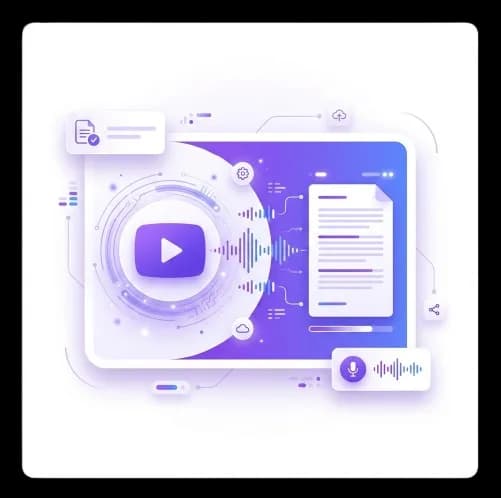 One File per Request
Convert One Video at a Time
The form accepts one video per request. Review and save the result before choosing Start over to transcribe another file within your daily allowance.
Save each transcript before uploading another video. The form shows the daily free allowance and file size limit.
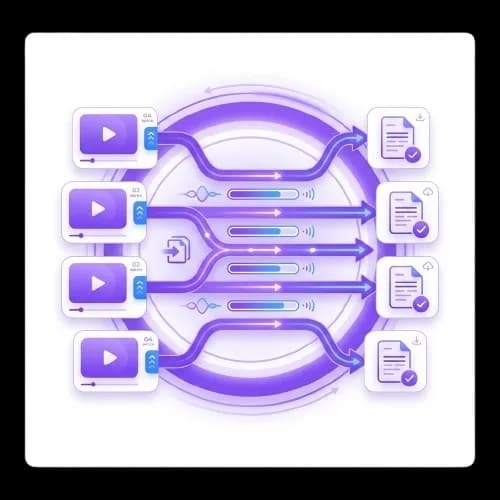 Works Even Without Subtitles
Convert Videos Without Captions
Many tools fail when subtitles are missing, but this video to text converter does not rely on captions. It processes audio directly, which means it can extract text even from videos that have no subtitles available. This makes it useful for podcasts, interviews, and older YouTube videos.
You can convert videos up to 120 minutes long without running into limitations. As long as the audio is clear, the tool will generate accurate text without any extra steps.
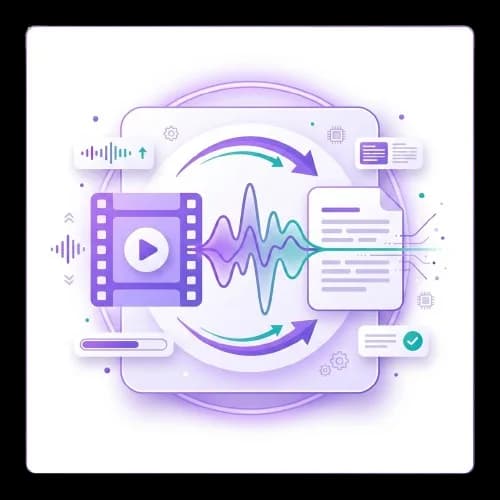 Fast Results Without Waiting
Get Your Text in Under a Minute
Speed is one of the strongest advantages of using this video to text tool. The entire process is designed to work quickly so you can move forward without delays. Once you upload a video file and click the convert button, the system immediately begins processing the audio. There is no need to wait through long loading screens or deal with complicated setup steps. Everything happens automatically in the background.
The tool is built to handle both short and long videos efficiently. Even when working with lengthy lectures or extended interviews, the processing time remains fast and consistent. You do not need to refresh the page or monitor progress manually. Within moments, the converted text appears in a clean and readable format, ready for use.
This level of speed is especially useful when you are working under tight deadlines or managing multiple tasks at once. Instead of spending hours watching videos, you can quickly extract the information you need and move on to the next step. Whether you are studying for an exam, preparing research notes, or reviewing professional content, fast access to text saves valuable time.
Quick turnaround also improves productivity. When information is delivered instantly, you can make decisions faster, organize your work more efficiently, and stay focused without interruptions. The faster you get your text, the sooner you can analyze it, share it, or put it to use. This makes the tool an essential resource for anyone who values speed, accuracy, and efficiency.
 Multilingual Support
Convert Videos in Over 60 Languages
The video to text tool supports more than 60 languages, making it ideal for working with content from around the world. You can convert videos in different languages and receive clear, readable text without relying on separate translation tools. This makes the process faster and more efficient, especially when handling international material.
This feature is particularly useful for students, researchers, and professionals who need access to global information. Whether you are studying foreign lectures, reviewing international interviews, or analyzing content from other regions, the tool helps you understand everything in one place. You no longer need to switch between multiple tools just to follow along.
No matter if the video is in English, Spanish, French, German, or another supported language, the system maintains accuracy and consistent formatting. The output remains clean and easy to read, allowing you to focus on the content instead of struggling with language barriers.
What Is a Video to Text Tool?
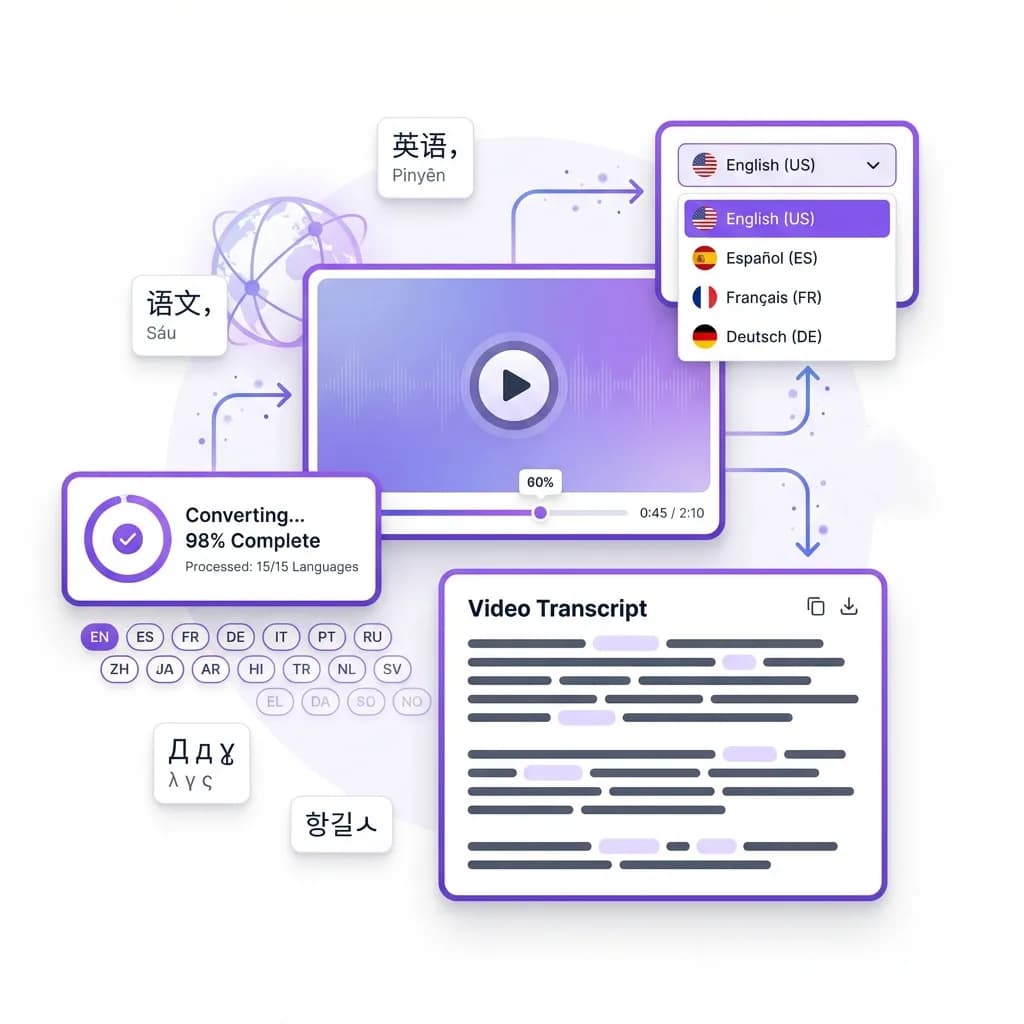
A video to text tool is a smart solution that turns spoken words from a video into written text using advanced AI speech recognition. Instead of manually listening, pausing, and typing, the tool automatically processes the video's audio and converts it into a readable text format within seconds. Once you upload a video file, the system extracts the audio, analyzes speech patterns, and produces clear text without requiring subtitles or manual input.
This type of tool works across a wide range of content formats. It can handle long academic lectures, professional interviews, business webinars, podcasts, tutorials, and online courses. Because it processes audio directly, it remains reliable even when captions are missing or inaccurate. This makes it especially useful for older videos or content where subtitles are unavailable.
Unlike basic transcription software that simply dumps raw text, a video to text tool focuses on clarity and usability. The output is well-structured, readable, and organized in a way that makes sense to the reader. You can easily scan the content, copy sections, or reuse the text for notes, research, documentation, or content creation. The result is text that feels polished and practical, not messy or unrefined.
By converting video into text, users save time, improve comprehension, and gain more control over how they consume information.
Why Video to Text Conversion Is Useful
Video content has become one of the most common ways to share information, but it is not always the most efficient way to consume it. Many videos include long introductions, sponsor messages, repeated explanations, or off-topic discussions that make it harder to quickly access the information you actually need. Video to text conversion removes that friction by turning spoken content into written form, allowing you to focus only on what matters most.
When a video is converted into text, you can scan it instead of watching it from start to finish. This makes it much easier to locate key points, review important sections, or revisit specific details without replaying the entire video. You can search for keywords, highlight important lines, and organize information in a way that suits your workflow. This is especially useful for students, researchers, and professionals who need to process large amounts of content in a limited amount of time.
Another major advantage is improved retention. Reading allows you to absorb information faster and more effectively than watching long videos. You can take notes, copy sections, or save the text for later reference without worrying about missing important details. Video to text conversion also makes it easier to reuse content for summaries, reports, or study materials.
Overall, converting video to text saves time, improves focus, and makes information easier to manage. Instead of spending hours watching videos, you can extract the value in minutes and use that time more productively.
How to Convert Video to Text
Step 1: Prepare a video file with clear spoken audio. The upload limit is 24 MB.
Step 2: Choose the video file or drag it into the upload area.
Step 3: Click "Get transcript" to transcribe the video audio. Keep the page open while it processes.
Step 4: Let the AI process the video. In a few seconds, the tool processes the speech and converts it into readable text. For longer videos, it may take slightly more time, but the process remains quick and automatic. If the audio is clear, the output will be more accurate.
Step 5: Review your converted text. Your transcript will appear on the screen in a clean, structured format. You can scroll through it, skim key parts, and quickly find the sections you care about. This is helpful when you only need a specific topic from a long video.
Step 6: To transcribe another video, choose Start over and upload the next file. Each request counts toward your daily free allowance.
Frequently Asked Questions
Yes, the tool works even when subtitles are not available. It processes the audio directly using speech recognition technology, which means it does not rely on captions to function. As long as the video has clear sound, the system can extract and convert the spoken content into text accurately. This makes it especially useful for podcasts, interviews, or older videos that were uploaded without subtitles.
Absolutely. The video to text tool supports more than 60 languages, allowing you to convert international videos with ease. Whether the content is in Spanish, French, German, or another language, the system can process it and generate readable text. This feature is ideal for global research, language learning, or accessing content from creators around the world.
Yes. The form accepts one video per request, up to 24 MB, and each request counts toward your daily free allowance. Review the transcript and save it, then choose Start over to upload the next file.
The accuracy level is very high, especially when the video has clear audio and minimal background noise. Educational content, interviews, and professional recordings typically produce the best results. While no automated tool can guarantee perfection, the output is clean, readable, and reliable for most use cases.
Yes, the tool is fully compatible with mobile browsers. You can use it on your phone or tablet without installing any app. The interface adjusts automatically, making it easy to paste links, generate text, and read results on smaller screens.
Yes, you have full control over the output. You can copy the text, download it, or store it for later use. There are no restrictions on how you use the converted text, making it easy to integrate into notes, documents, or research files.